


|
|
|
|
|
|
|
|
|
|
|
|
|
|
Standard and Custom Screenings
CAREWare includes these common clinical screenings:
- Colposcopy
- Geno/Pheno Typing
- Adolescent History of Sexual Activity
- Hysterectomy (non-dysplasia/non-malignant indications)
- Pap Smear
- PCP Prophylaxis
- Pelvic Exam
- Pregnancy Status
- Rectal Pap Smear
- Smoking Status
- TB Chest Radiograph
- TST
Provider-specific and custom screenings are added in Screenings Setup under Administrative Options > Clinical Setup.
How to Add a Screening to a Client Record
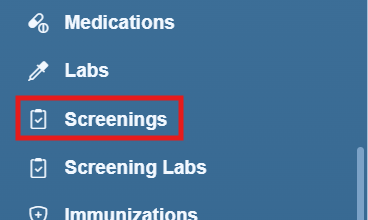
Step 1. In the client record, select Screenings from the left menu.
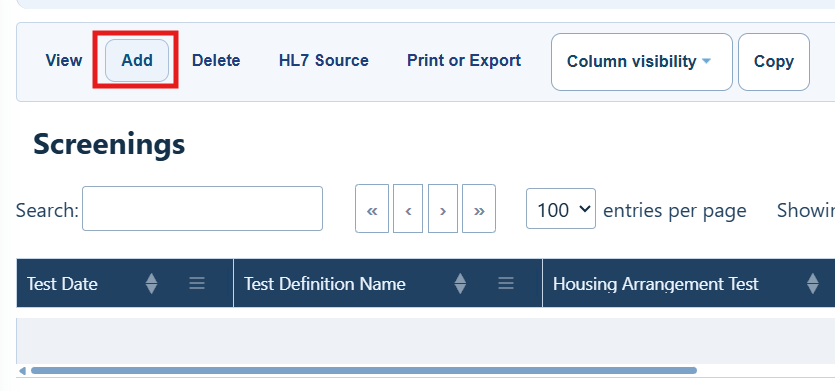
Step 2. Select Add.
Menu Options
|
|
|
|
|
|
|
|
|
|
|
|
|
|
|
|
|
|
|
|
|
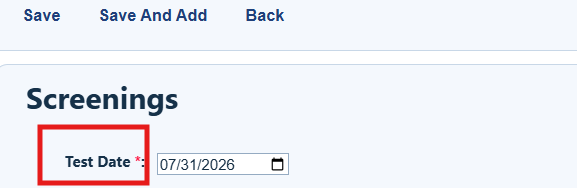
Step 3. Enter the screening date.
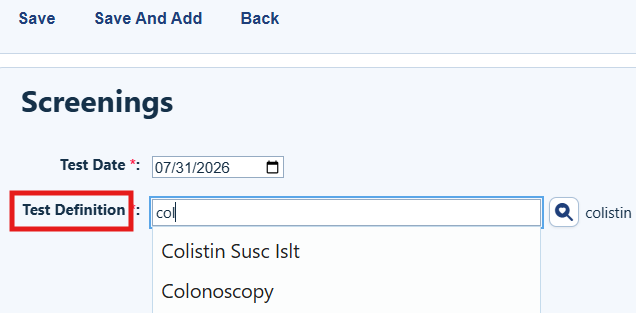
Step 4. Choose the screening from the list. To shorten the list, type the first few letters of the screening name.
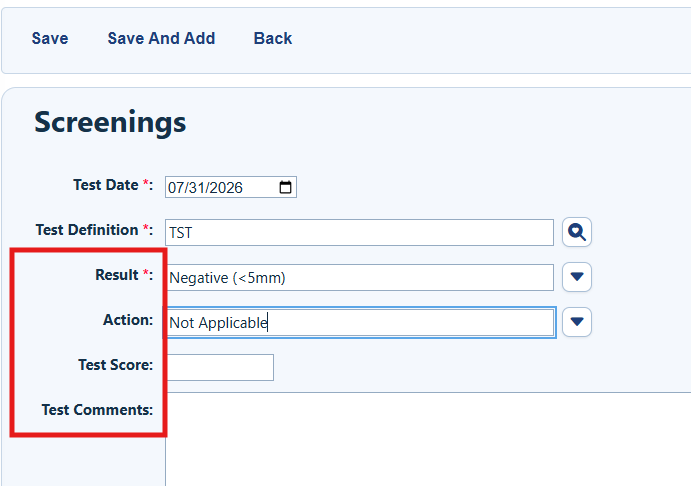
Step 5. Complete Result and Action. Test Score and Comment are optional.
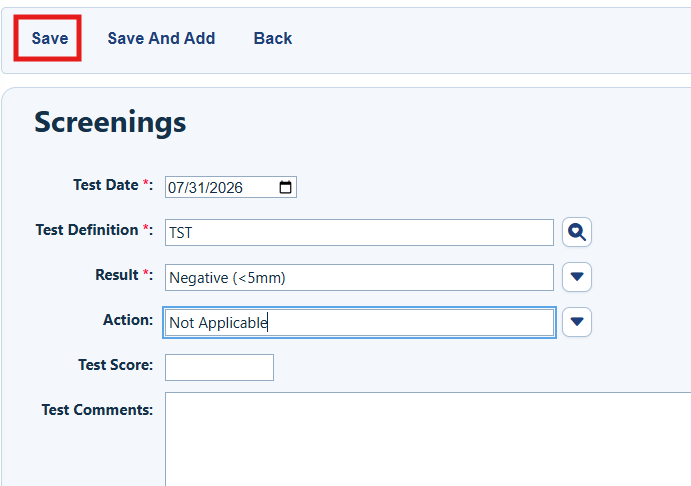
Step 6. Select Save.
|
|
How to confirm it worked
- The new screening appears in the screening list.
- The screening date, test name, result, and action are correct.
Troubleshooting and common questions
How do I find the screening I need?
Type the first few letters of the name. If it still does not appear, ask an administrator to check Screenings Setup.
Which fields are required?
Enter the screening date, select the screening, and complete Result and Action. Test Score and Comment are optional.
How do I enter several screenings?
Select Save and Add after each entry until you are finished.
Related References
|
|
|


