


|
|
|
|
|
|
|
|
|
|
|
|
|
|
Before you begin
- Confirm the provider, contract name, start and stop dates, and funding source.
- Decide who may edit the contract and whether it should be controlled centrally.
- Discuss reporting-period impacts with grant managers and HRSA project officers when applicable.
Set up a contract
Contracts can be created in Central Administration or in the relevant provider domain. Administrators may define all contracts centrally and restrict provider-level editing by making contracts central only.
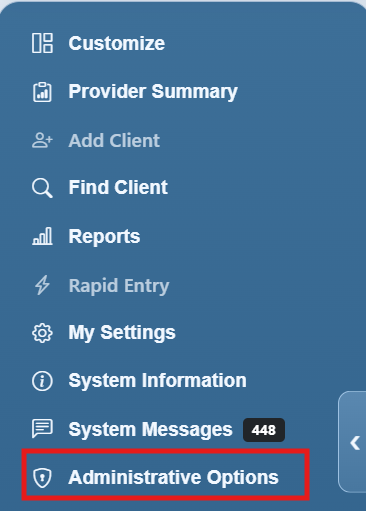
Step 1. Log into Central Administration or a Provider Domain. Click Administrative Options.
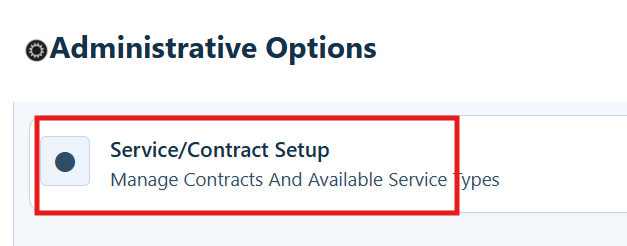
Step 2. Click Service/Contract Setup.
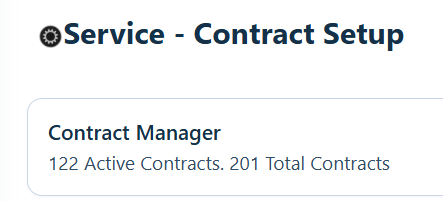
Step 3. Click Contract Manager.
Step 4. Click Add.
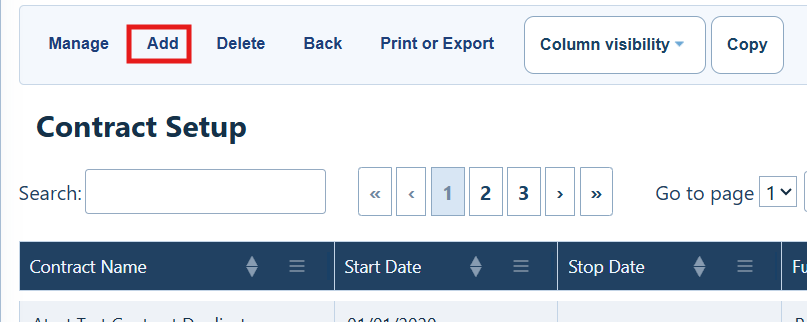
Contract Setup Menu Options
|
|
|
|
|
|
|
|
|
|
|
|
|
|
|
|
|
|
|
|
|
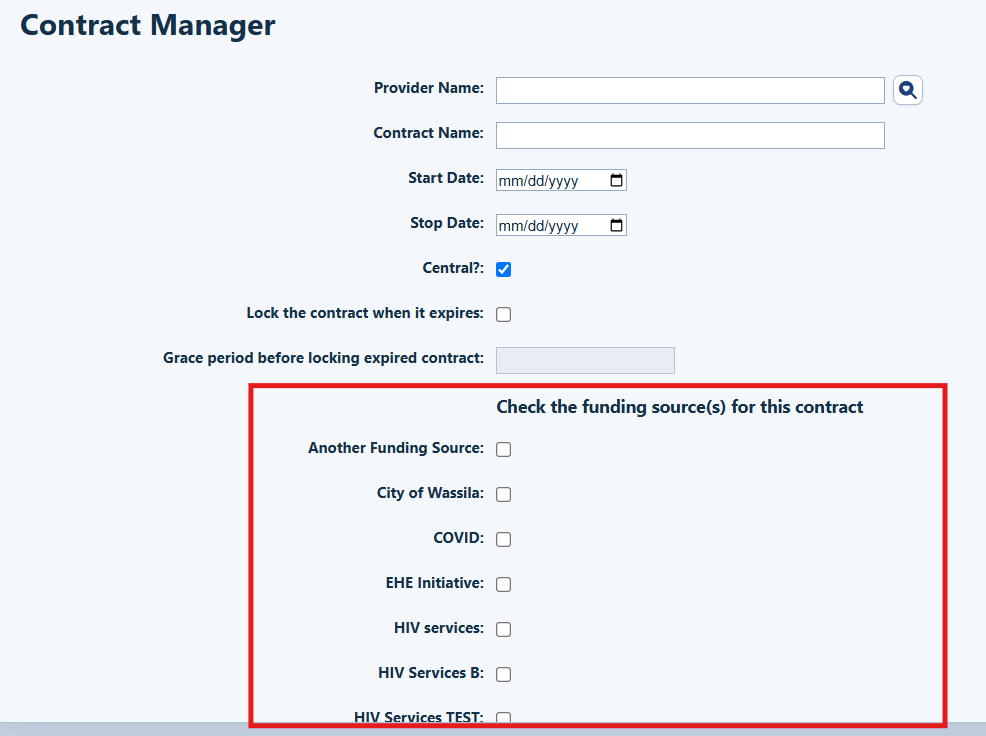
Step 5. If you are working in Central Administration, select the Provider.
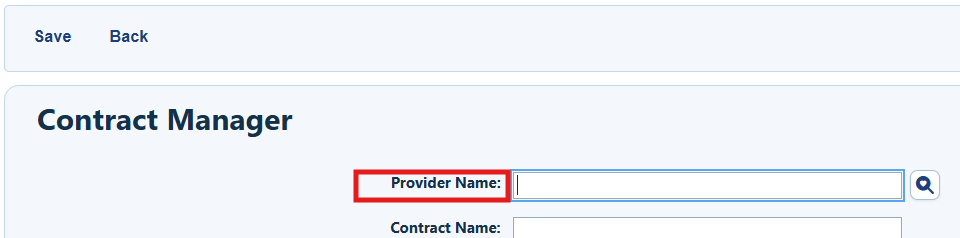
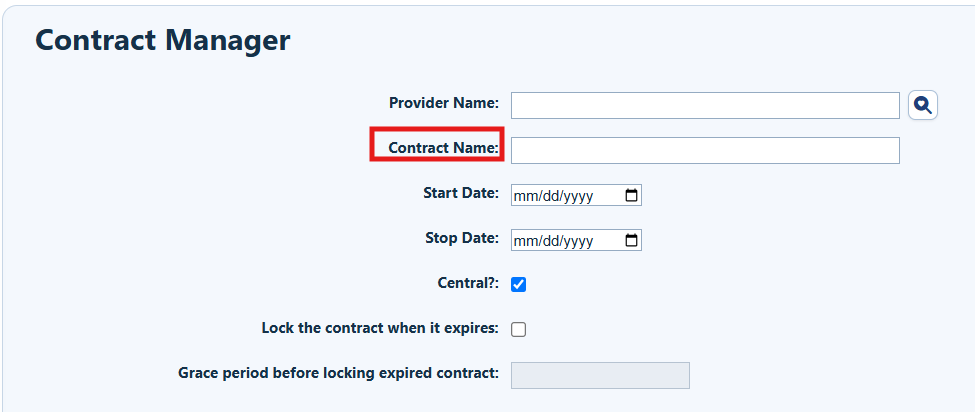
Step 6. Enter the Contract Name.
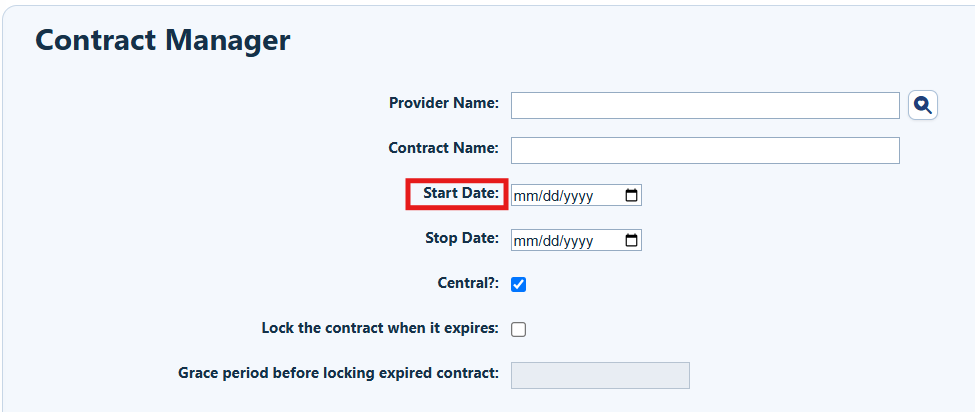
Step 7. Enter the Start Date.
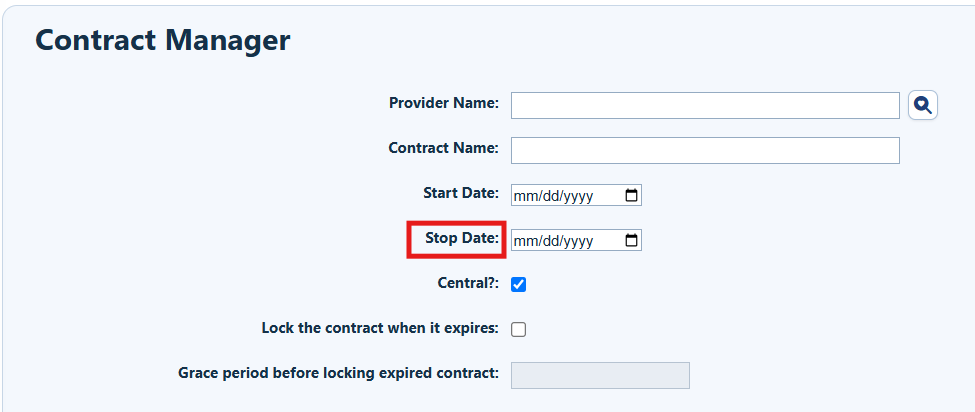
Step 8. Enter the Stop Date.
Step 9. Check each funding source that applies to the contract.
Configure optional contract settings
Step 10. Configure the optional settings for the contract.
|
|
|
|
|
|
|
|
|
|
|
|
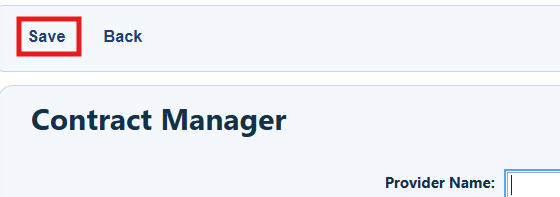
Step 11. Click Save.
Confirm the contract setup
After saving, review the contract record and confirm:
- The correct provider and contract name are displayed.
- The start and stop dates match the intended contract and reporting periods.
- All applicable funding sources are selected.
- Central control, expiration locking, and the grace period match the organization’s policy.
- Authorized users can access the contract at the intended administrative level.
|
|
Troubleshooting and common questions
Are contracts required in CAREWare?
A provider domain needs to have at least one contract to add services to client records.
Who can edit a central contract?
A contract marked Central can be modified only in Central Administration by a user with the necessary permissions.
Related References
|
|
|
|
|
|
|
|
|
|
|
|
re.


