


|
|
|
|
|
|
|
|
|
|
|
|
Quick path
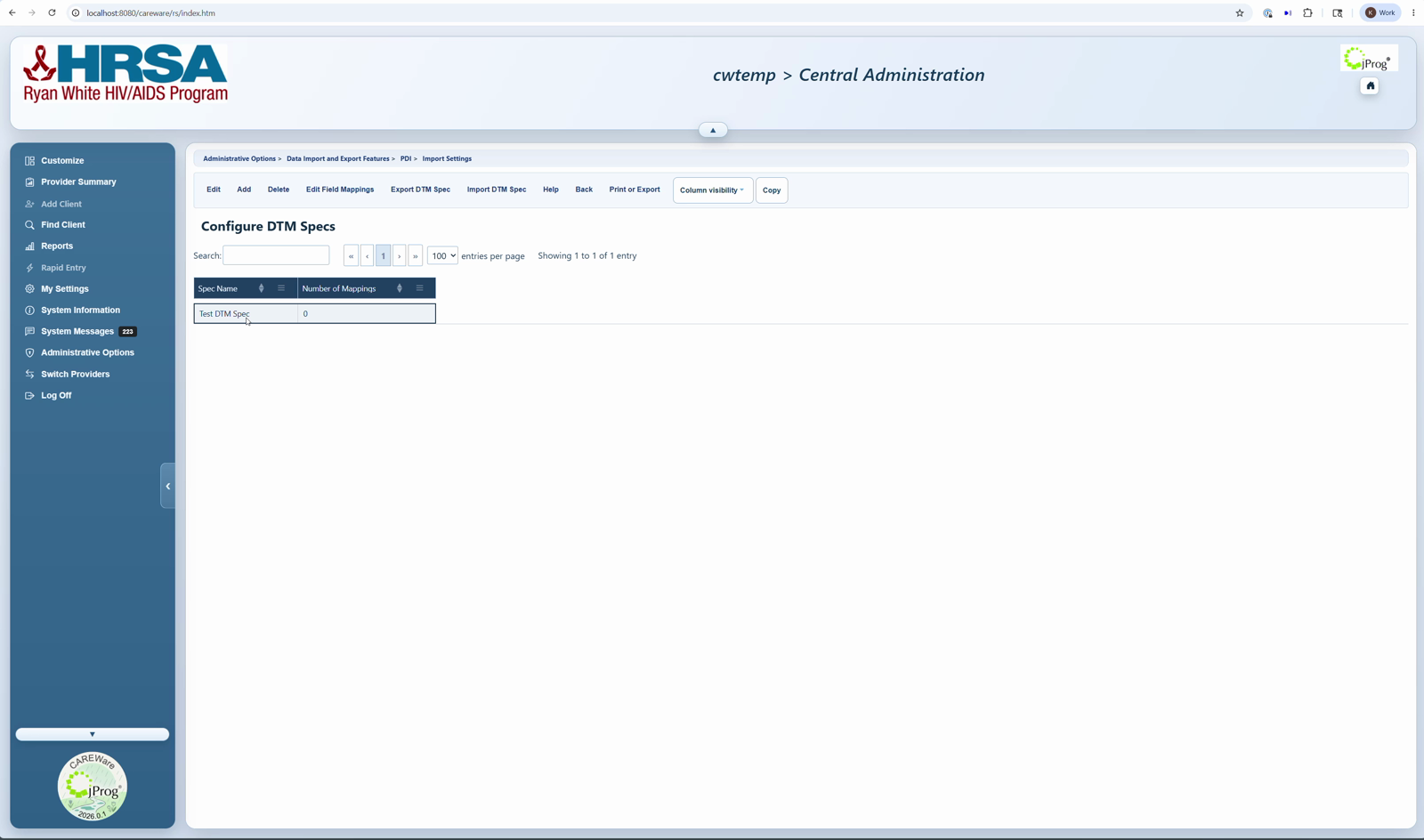
Import Settings > select DTM setting > Edit > Configure DTM Specs > Add > enter Spec Name and Search String > Save > Edit Field Mappings.
Before you begin
- Create the DTM import setting first.
- Know whether the incoming file has a header row. If the top row contains column headers, Uses Header should be checked.
- Choose a Search String that appears as a separate word in the file name.
- If using folder import, confirm the complete source folder path exists on the CAREWare server.
|
|
Add a DTM Spec
1. Click Configure DTM Specs from the DTM import setting.
2. Click Add.
3. Enter the Spec Name.
4. Check Uses Header if the first row of the file contains headers.
5. Enter the Search String.
6. Enter the Source Folder only if the file will be dropped into a monitored folder on the CAREWare server.
7. Click Save.
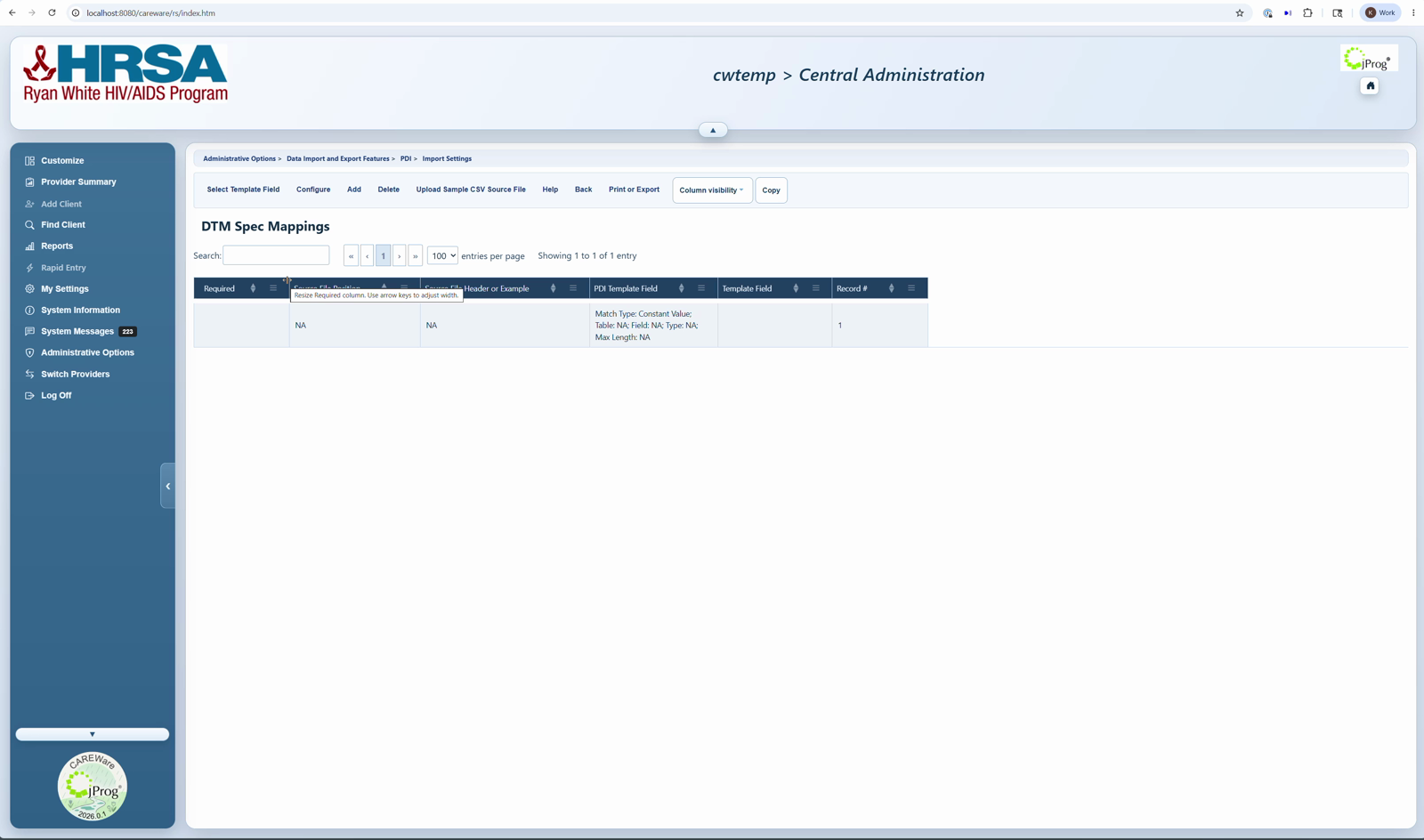
8. Select the new Spec Name and click Edit Field Mappings.
Field meanings
- Spec Name: the name of this DTM Spec.
- Uses Header: check this when the source file first row contains column headers.
- Search String: the word CAREWare uses to match an incoming file to this DTM Spec.
- Source Folder: the complete CAREWare server path used for automated file-drop imports.
- Number of Mappings: the count of source columns already mapped to CAREWare CSV template fields.
|
|
|
|
DTM Spec buttons
- Edit: update the Spec name, Uses Header setting, Search String, or Source Folder.
- Add: create another DTM Spec.
- Delete: remove the selected DTM Spec.
- Edit Field Mappings: upload a sample source file and map source columns to CAREWare fields.
- Export DTM Spec: save the selected DTM Spec so it can be imported elsewhere.
- Import DTM Spec: import a previously exported DTM Spec.
How to confirm it worked
1. Verify the DTM Spec appears in the list.
2. Verify Number of Mappings matches the columns that are mapped.
3. Verify the column order of the mappings matches the column order in the source file.
4. Import the file with the correct search string value to confirm the settings are recognized.
Related CAREWare guides
Data Translation Module Import Settings | Edit Field Mappings | Importing DTM Files | Import DTM Specs | CAREWare CSV Specifications


